
Reporting & Decision Tools
Understand the applicant. See the bigger picture.
Review screening findings, explore your processed application data, and support your team's decisions with reporting configured around your program.
Screening reports
Organized results and supporting information.
Custom data reports
Reports built around your processed application data.
Optional ScoreCard Pro
Recommendations based on your configured criteria.
QuickView communications
Tools for report delivery and notices.
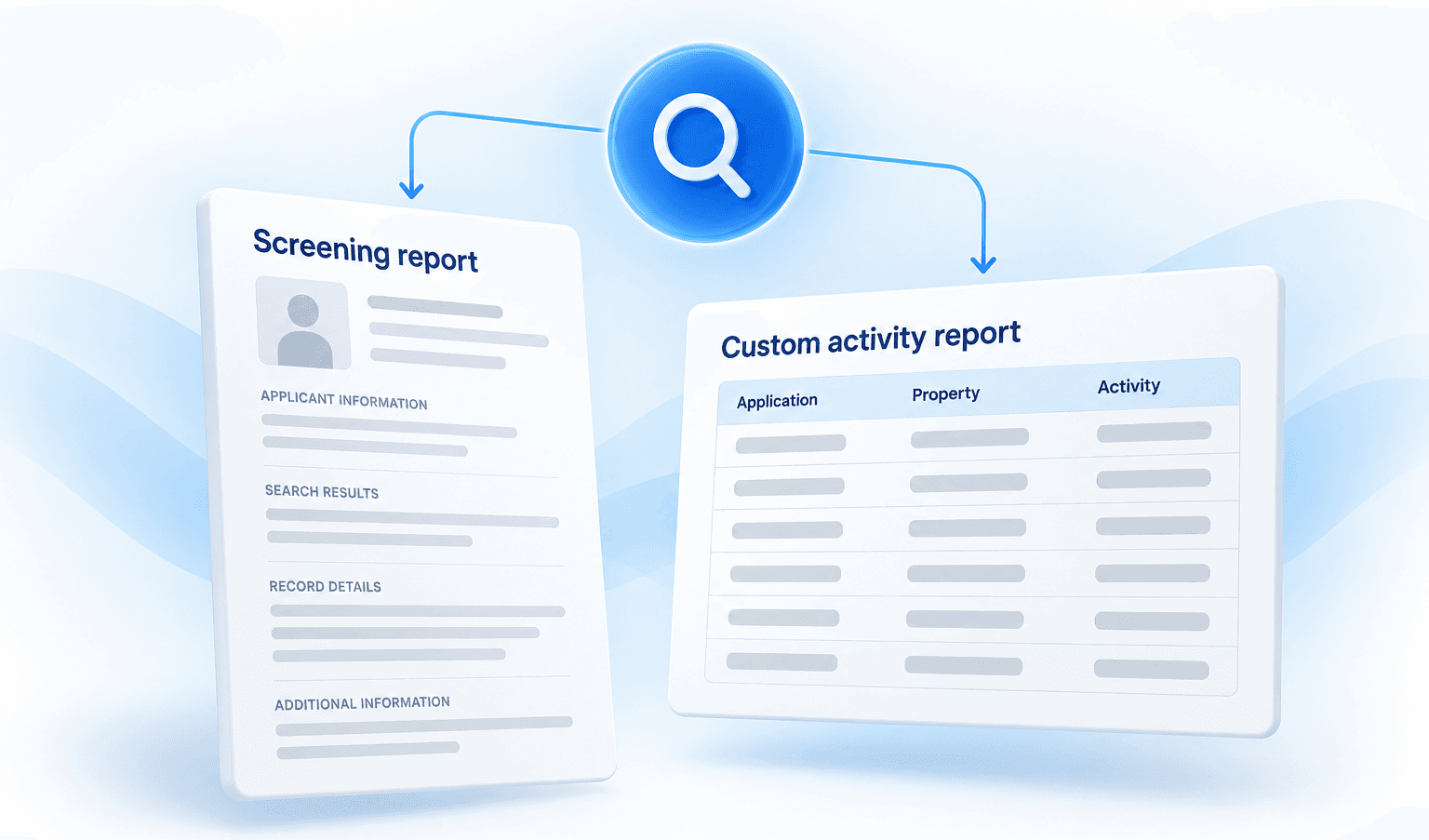
Two views of your screening program.
Review an individual applicant
Organized screening results and available supporting information help your team assess each report.
Review activity across your program
ISS can generate custom reports from processed application data and screening activity to support oversight and follow-up.
Your data. Reports built around your needs.
Tell ISS what you need to understand. We can help generate reports using the information and activity processed through your program.
Other custom reporting needs? Talk with ISS about the data fields and activity available for your program. Report scope depends on available data, recorded activity, permissions and your configuration.
- 1Denial-letter activityIdentify applicants to whom your team sent denial letters, based on recorded activity.
- 2Rental application dataCompile selected rental application fields into a report tailored to your team's needs.
Bring the right information into review.
Screening reports
Search results and available supporting details.
ScoreCard Pro
Optional recommendations based on configured client criteria.
QuickView
Tools for client-selected report delivery and notices.
ISS support
Quality review, report questions and follow-up assistance.
Your criteria. A recommendation to review.
ScoreCard Pro can organize findings against your configured criteria. Review the underlying report, understand the recommendation, and consider the context before taking action.
Your organization establishes its criteria and makes the final decision.
- 1Client criteriaYour defined requirements.
- 2Configured recommendationFindings organized against your criteria.
- 3Human reviewYour team considers the full report and makes the final decision.
Reporting that fits your program.
Housing programs
Screening reports, optional ScoreCard Pro, and custom rental application or activity reports.
Employment & volunteer programs
Selected screening results and available report summaries for your team's review.
Your team selects the action. QuickView supports the communication.
Use configured tools to deliver report copies and send selected notices following your review.
Your authorized users decide whether to send an adverse-action notice. ISS does not independently deny applicants or initiate those notices.
- Consumer-report copiesYour defined copies of reports to applicants.
- Client-selected pre-adverse and adverse-action noticesSend notices based on your review.
- Available delivery and activity recordsKeep records of notices sent through the system.
Reports backed by people you can reach.
Quality review
ISS reviews possible record matches for accuracy and completeness before reporting.
Help with report questions
Get assistance understanding sections, returned information and follow-up needs.
Custom reporting assistance
Work with ISS to identify available data and shape reports around your needs.
Frequently asked questions.
Yes. ISS can help generate reports based on the recorded notice activity available in your program.